
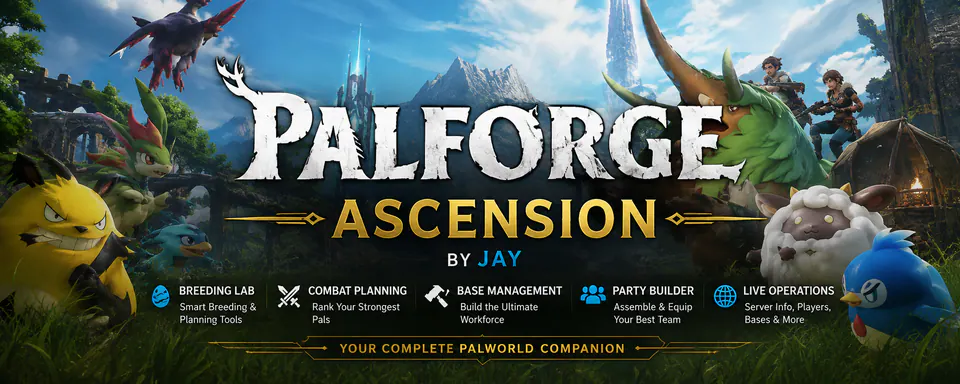
PALFORGE ASCENSION
Source-listedAn in-game companion for breeding, Palbox analysis, Paldex intelligence, party building and base planning.
Palworld 1.12.33UE4SSClientPalsToolsGameplay
Source checked Aug 12, 2026 · PalModsUpdated for full release · Source check: July 23, 2026
Find gameplay, building, Pal and server mods by install format and multiplayer side. Every listing keeps the original publisher page and downloads the current publisher-hosted file.
Browse the directory
High-utility picks across base management, travel, Pals and dedicated servers.
An in-game companion for breeding, Palbox analysis, Paldex intelligence, party building and base planning.
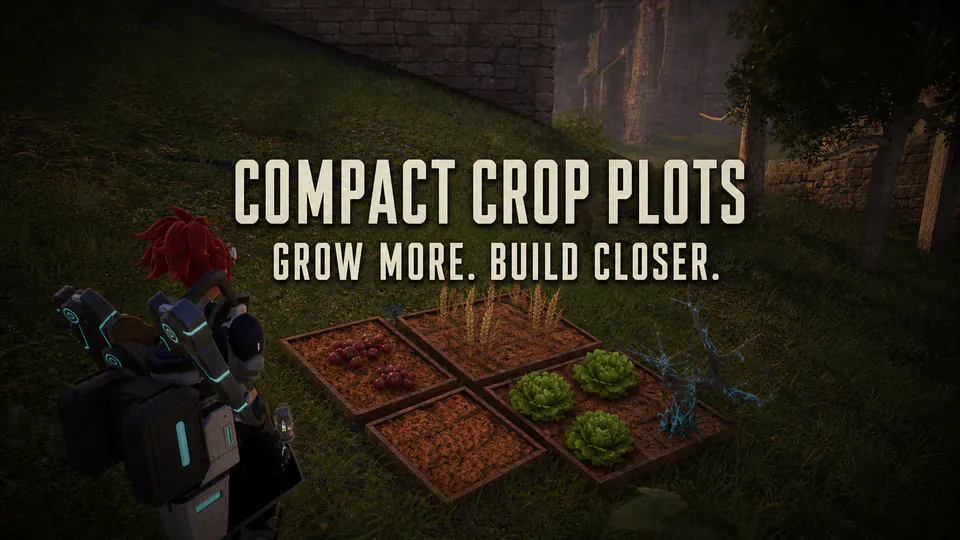
Shrink crop plots and plantations to compact Berry Plot dimensions while preserving recipes, work, growth times and yields.
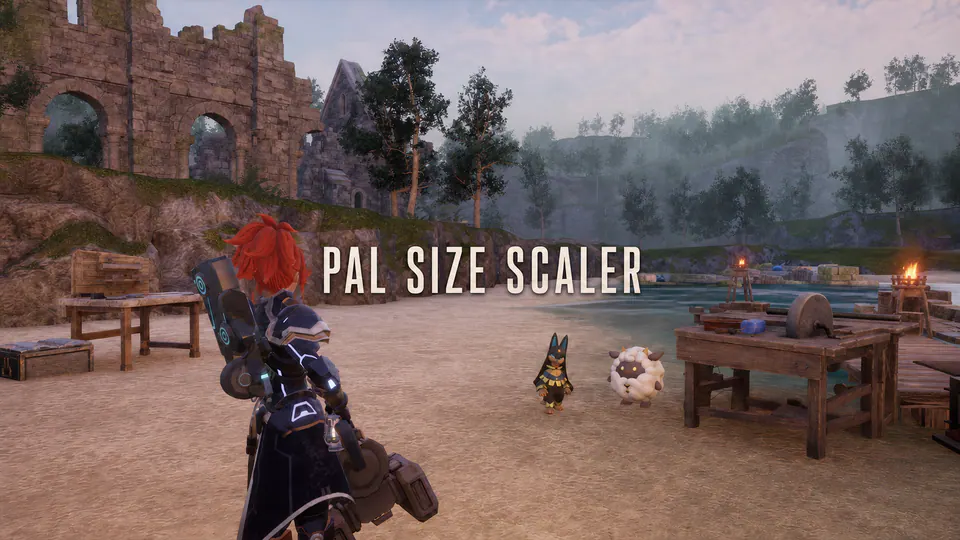
Shrink oversized base Pals, configure party and wild scaling, and set per-species size overrides.
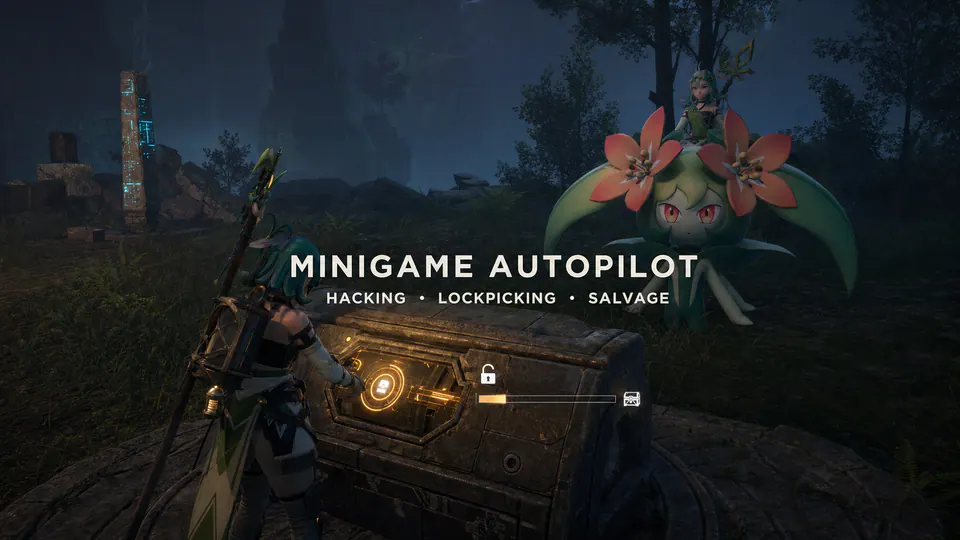
Automatically skip hacking, lockpicking and salvage minigames without replacing game assets or changing normal rewards.
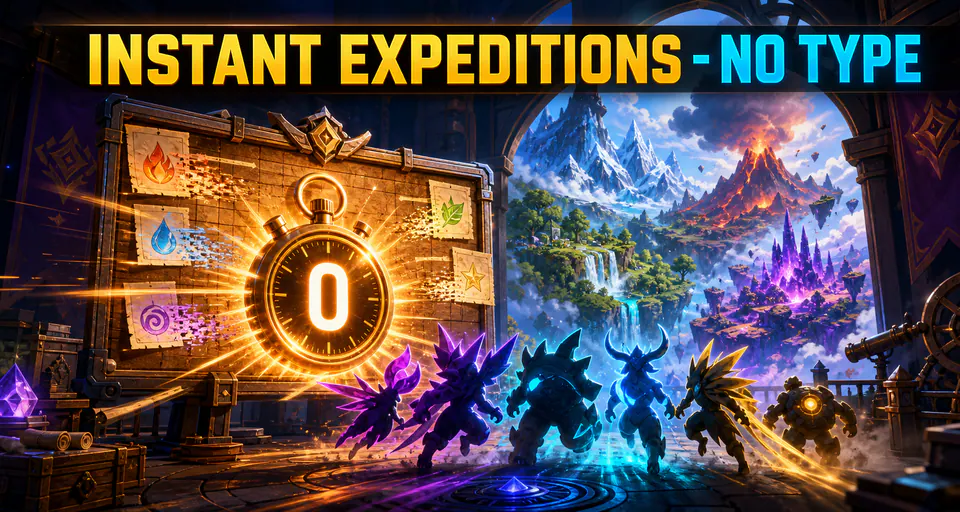
Finish expeditions immediately without elemental team requirements.
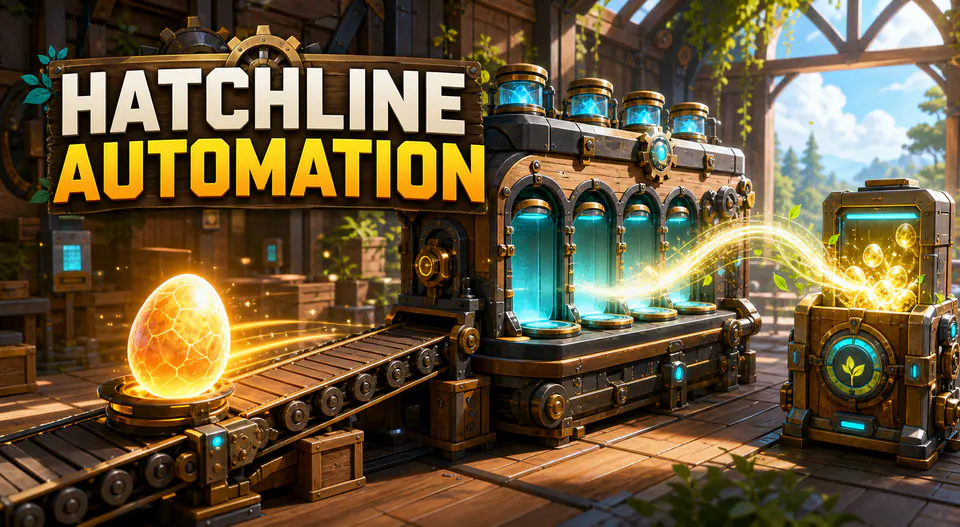
Automatically pick up breeding eggs and finish incubator hatching.

Optimize volumetric clouds, shadow distances and LOD pooling for better FPS in the new 1.0 areas.
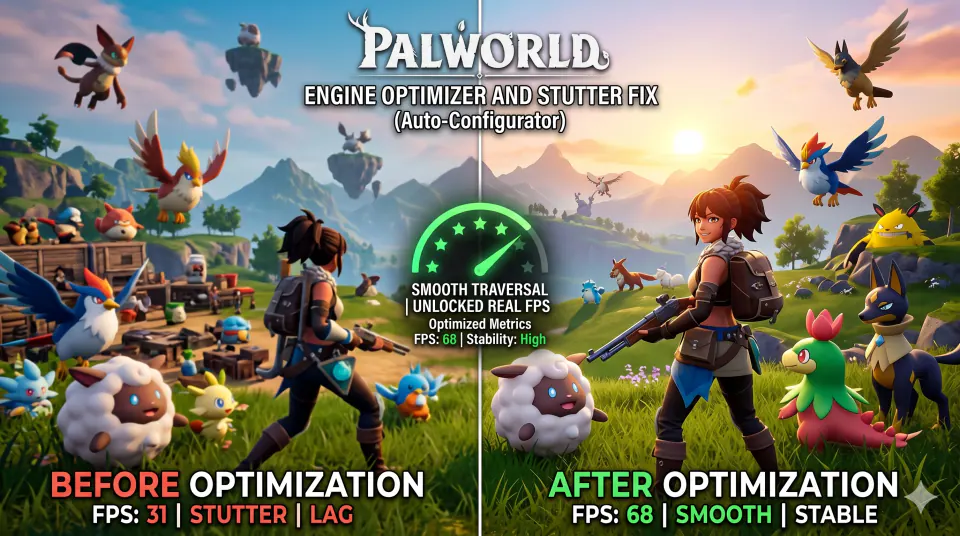
A lightweight Palworld 1.0 configuration focused on traversal stutter, VRAM streaming and image-quality settings.
Match the method
A mod category tells you what it changes; the format tells you how it is installed. Steam Workshop subscriptions are enabled inside Palworld 1.0 through Options and Mod Management. UE4SS packages use a compatible loader and an author-defined folder. Pak or LogicMods files go only to the path named by their publisher. PalSchema and standalone tools follow their own documentation.
Do not move a file into LogicMods because another unrelated mod used that folder. Confirm dependencies, platform and side first. Steam uses the Win64 game directory for manual UE4SS setup, while the Windows Game Pass build uses WinGDK. Console versions do not support manual file installation.
See every mod folder path| Format | Start here |
|---|---|
| Workshop | Subscribe, then enable in Mod Management |
| UE4SS | Check loader version and author folder |
| Pak / LogicMods | Use only the specified Content path |
| PalSchema | Follow the project and server instructions |
| Standalone tool | Keep outside the game unless told otherwise |
Install with confidence
Use the right folder, understand client and server requirements, and keep a clean rollback path.
Compare parent Pals and find direct offspring results.
01Steam Workshop, UE4SS and Game Pass paths.
02Disable packages and prepare a clean update.
03Win64, WinGDK, Paks and LogicMods locations.
04Fix startup, loading and dependency problems.
05Find PalworldSettings.ini, change world values and verify multiplayer.
Plan a stable setup
Good Palworld mods solve a specific problem and explain the cost of installing them. Start with the behavior you want to change: base radius, production time, Pal management, travel, inventory pressure, server stability or another repeatable task. Compare the format, dependencies and multiplayer side before comparing feature lists. A short focused package is easier to test than a bundle that edits several shared systems.
Palworld 1.0 supports Steam Workshop, but Workshop is not the only format. Manual Palworld mods may use UE4SS, Pak or LogicMods files, PalSchema projects, configuration sets or standalone tools. Each method has a different location and update path. Use the original publisher instructions and never place a file in LogicMods merely because a different release used that folder.
Read the current source page, not an old video or re-upload. Confirm version 1.0 support, required loader versions, dependencies and whether the package belongs on the client, server or both. “Source-listed” on this directory means we found the compatibility claim at the named source; it does not mean we independently scanned or tested the file.
Back up world and player saves outside the game directory. Install one package, test the changed feature in a disposable world, save, exit and reload. For multiplayer Palworld mods, restart the server and reconnect with one matching client before inviting regular players. Record the source URL, archive name and files added so later removal does not become guesswork.
Treat the game, loader and packages as separate update layers. Verify an unmodded launch first, update the loader second and restore current packages one at a time. If a startup crash, infinite load or missing item appears, stop at the first failing change. A reversible collection of Palworld mods is more valuable than a larger collection with no known baseline. Keep the original publisher file name and source URL in that baseline.
Clear labels, no invented claims
We confirm that a listing and its Palworld 1.0 compatibility claim appear on the named publisher page. We record the install format and multiplayer side when the source provides them. That does not mean we independently scanned, tested or guarantee a third-party file.
Palworld Mods Wiki does not mirror these listed files. The download button waits 15 seconds, then opens the original page where the author controls the current release, requirements and changelog.
Read our listing methodologyCommon questions
Yes. Palworld 1.0 includes Steam Workshop support, while manual packages still use author-specific methods such as UE4SS or Pak folders. Console versions do not support manual file installation.
There is no universal site-wide answer for every loader and release. Read the current author notes and test with a backup. A mod may change gameplay without intentionally changing achievement behavior.
Some do. Client-only mods affect one player, server mods run on the host, and synchronized gameplay changes may require matching files on both sides. Follow the publisher’s current side requirements.
Use established publisher pages and verify the author, requirements, recent compatibility notes and community reports. This directory links to the named source instead of repackaging its file.
The pause makes the external-source handoff explicit and gives you time to read the compatibility reminder. It is not a malware scan or file verification step.